

Reverse engineering Yamaha THR II
I’ve been a bedroom guitarist for almost five years. I am proud to be doing this consistently as a hobby since the start of the pandemic. Not so proud of my progress, but I am content with what I have accomplished so far. I digress, what I want to talk about today is the overlap between guitars and my obsession with personal software: programming things for myself.
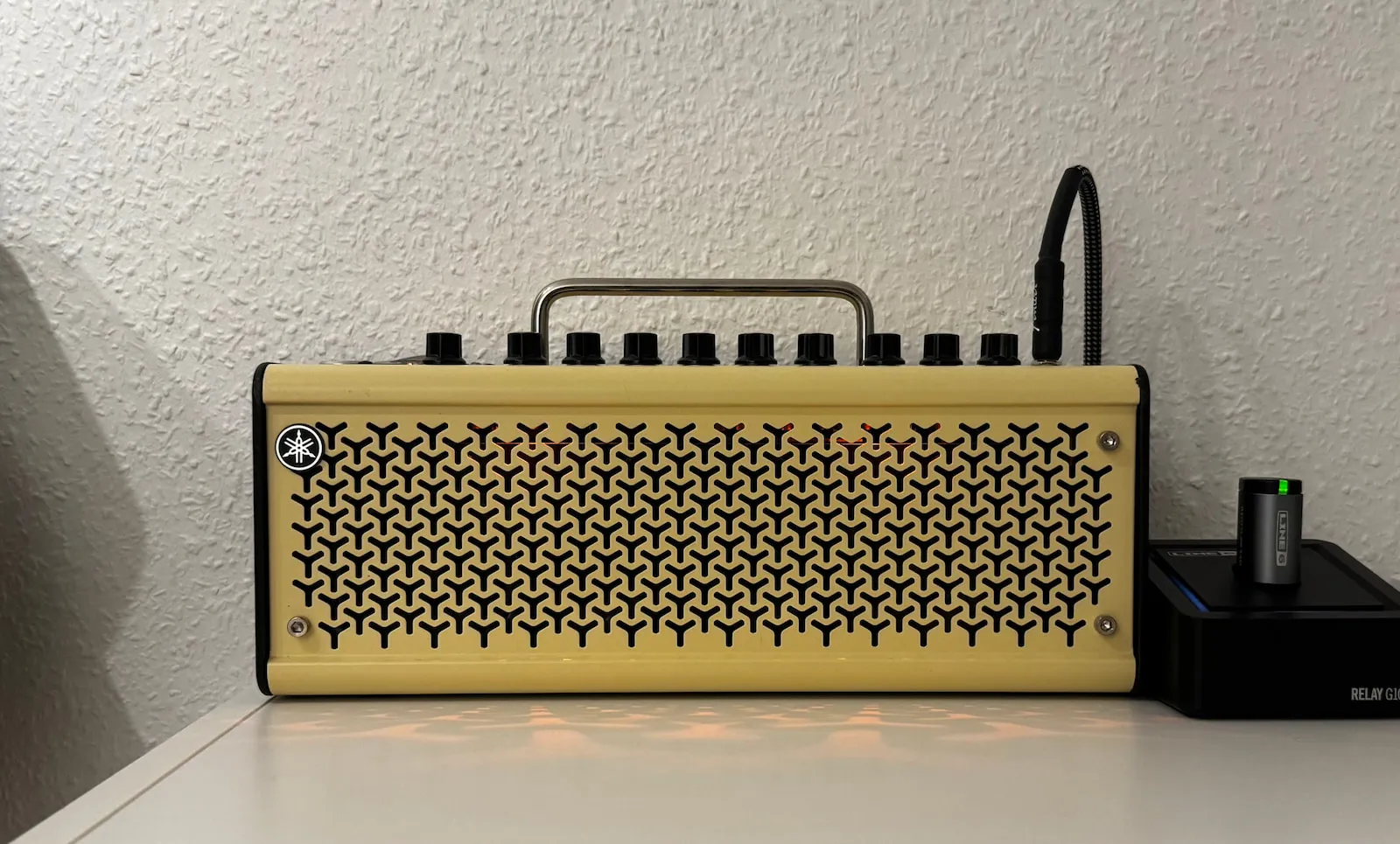
As part of my setup in my office, I own a Yamaha THR10II guitar amplifier. It is compact, but mighty - I love it. Out of the box, it supports various effects and amp models for me to play with. Crucially it sounds great. But as you might expect, it has sub-optimal software support. Both for a mobile device and for a desktop machine. Connection is flaky, UI is slow, and it is not customizable at all. Every interaction with the software gives me that dreadful feeling of “This software is made to cross a task off a Jira board”.
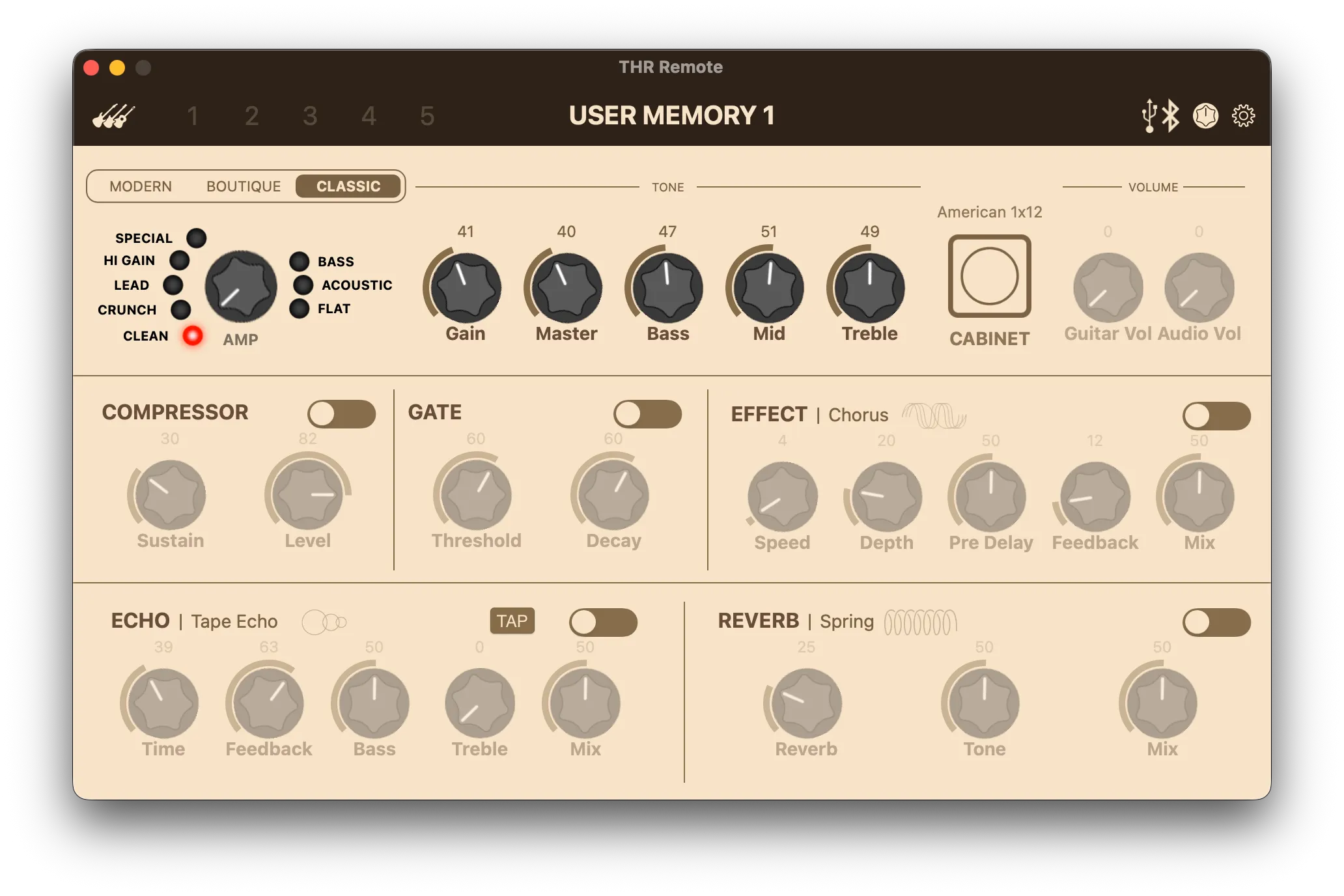
A couple of years ago, I did my homework and found a couple of public attempts to reverse engineer the software and the communication protocol. Almost all of them were incomplete, or only compatible with a certain firmware version or a certain amp model. Besides, all of them only supported USB connections, and it seemed like nobody had attempted to crack the Bluetooth connection. The main thing was, MIDI SysEx messages are used for communication. To my surprise, this was the scenario I was hoping for, a protocol that doesn’t intentionally obscure things. But I still had to crack it.
The data payloads in SysEx messages are ‘bitbucket-encoded’. In simpler terms, 8-bit data is transformed into 7-bit data in 8-bit space, and the high bits are stored in another 7-bit value in 8-bit space. In other words, the encoded bytes are not allowed to exceed 0x7f.
SysEx message protocol defines a frame to transmit bitbucket-encoded data. Except for the start (0xf0) and end (0xf7) bytes, no byte may exceed 0x7f. The frame structure looks as follows:
There is one more layer though. The difference between USB and Bluetooth as a medium. At first I thought it shouldn’t be hard. About that, I was wrong. When sniffing the Bluetooth communication, I was able to recognize the messages, but they were modified in a way that I couldn’t understand. My best guess was that they were either checksummed, timestamped, or somehow signed with preambles. I simply didn’t have the energy to figure it out, I just let my ambitions rest, hoping that someone will do the hard work.
At the end of 2025, I was dumbfounded by the coding agents. I was trying to build stuff that I thought was impossible for me to build, and I have been quite convinced that with enough resources (mostly time and tokens), I can build anything for myself. My own software. And I remembered my failed attempt to reverse engineer the THR10II. Who would look at binary protocol logs and be able to see patterns that I cannot see?
My plan was simple:
- Use the existing work from this wonderful project: martinzw/THRII-direct-USB-pedalboard
- Capture the Bluetooth communication using PacketLogger on macOS
- Ask the agent to analyze the logs using tshark
Even before the first context window was full, the fundamentals of the Bluetooth communication were figured out. To my surprise, it is not something convoluted, but rather BLE-MIDI packets MMA RP-052.
BLE-MIDI transforms SysEx messages into BLE-ATT (attribute protocol) packets. Every packet starts with a header byte (0x80), and a timestamp byte precedes each MIDI message. The SysEx message, in the simple case, is split into SysEx Start Byte (0xf0) + Data and Sysex End Byte (0xf7). The timestamp byte is split into 7-bit (sent after packet header) and 6-bit values (sent before the SysEx End Byte).
However for large SysEx messages (the ones that are larger than 93 bytes), the multi-packet format is used. This format requires header bytes to be repeated for every packet as follows:
Roadblocks
I was hoping that it would be smooth sailing from here, but software development is always hard. I had a couple of nasty problems along the way, that pushed me to the edge of my patience, and I questioned my dedication to this project.
Counter overflow
SysEx messages contain a counter value that is incremented for every command sent. Since 7-bit values are used, there is an overflow when the counter reaches 127. This is not necessarily the issue, since in a 7-bit space, the counter is automatically wrapped to 0. But the SysEx messages are sent in pairs: a header frame (containing a command) and a body frame (containing a value). If the header is sent with counter value 0x7f and the body is sent with counter value 0x00, the amp silently stops communicating.
The fix was fairly straightforward: Resetting the counter to 3 (the post-handshake value) when the counter is greater than or equal to 0x7e.
Slot storage
The amp has 5 user memory slots for saving presets. A “dump” command returns a ~1100 byte binary blob of full preset state. But the captured upload is only around ~600 bytes. The agent’s naive approach of guessing the difference did not yield any results at the start. So I had to come up with a solid plan. To uncover the format, I started with a basic approach: replay a captured dump and upload sequence. Once I proved that this worked, I started verifying layers one by one: BLE framing, SysEx framing, header and body construction, and finally the body data.
The body data was fundamentally different: The recordings showed that the proprietary app didn’t just copy the dump bytes, but converted them into a different format while excluding some of the runtime state (like amp model, volume, calibration data etc.). Not just that, but the order of the parameters was also different.
I had to reverse-engineer the binary format from scratch: section markers, 30-byte block headers (model + sub + count), 10-byte parameter records (key + type + value). It was painstaking work, and it required collaboration between me and the agent: I captured another dump and upload sequence, and the agent analyzed the differences.
Effects bricking the device?
Later I wanted to stress test by keysmashing. Quickly I noticed something concerning: making rapid effect state changes (like switching between Tremolo, Chorus, Flanger, Phaser, or between reverb/delay modes) caused the amp to become unresponsive. The amp would come back to life only after a power-cycle. In the beginning, I was confident that the problem was the code. But later I reproduced the same issue with the proprietary app.
The fix was simple: Throttling the effect mode changes. A quick binary search helped me find a safe interval: sleeping 256 ms before the write request and 512 ms after. The app server was already applying optimistic UI updates, so the UX was not affected. This alone makes my app a better experience than the proprietary one — which can soft-brick the amp.
End product and next steps
The end result is 3 versatile pieces of software: A core library, a CLI tool, and a web server that brings it all together. The library, gbury, does the BLE-MIDI communication with the amp. It handles the activation handshake, reads and writes every parameter (amp model, cabinet, tone controls, volume, compressor, noise gate, effects, echo, reverb), and saves/loads presets to and from the 5 hardware memory slots. It can also convert .thrl6p preset files back and forth to the binary wire format, which means I can use the same presets with the THR Remote App. Updates from the amp can also be streamed in real time. The CLI tool is for scripting and controlling the amp through a simple interface.
Finally, a web server to control the amp with a slick design, just over the browser. It means the local server can also be used from my phone, without any installation and over a much more stable wireless connection. It discovers and saves more than one amp and manages connections. Amp changes are synced to all clients, and the changes are applied instantly (optimistically). The server also has a preset library, which supports searching and categorizing with tags.
But here is the main part: I’m not done. The software is never finished. First, reliability is my concern. I haven’t used it long enough to recommend it to others. But hopefully there’s more to come on the feature side too. Preset Library is still a proof of concept, and there are many things I can do to improve the UX. Mobile views and dark mode are also other things on my mind.
I don’t think the code is ready to be published as an open source project, but that will surely come once I clear out the parts that are slopped out by the agents. An update to this post will follow once it’s published.